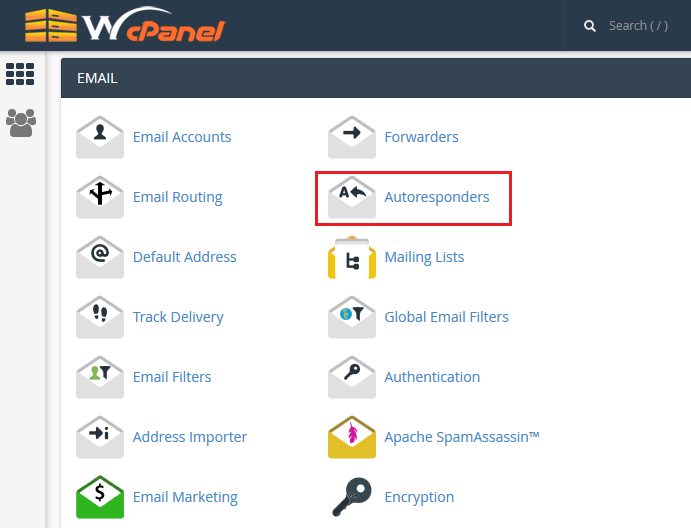
Sometimes when you are not around to reply emails you may want to set an automated away message to inform all senders that you will not be responding soon. Other times you may want to set an auto-reply message as an acknowledgement to senders that you have received their mails. Either way you can setup an email responder in your cPanel under the heading Email > Autoresponders > Add Autoresponder. Select the specific email address and click Add Autoresponder to apply the autoresponder on it.
For step-by-step instructions you can follow the video tutorial on this page.
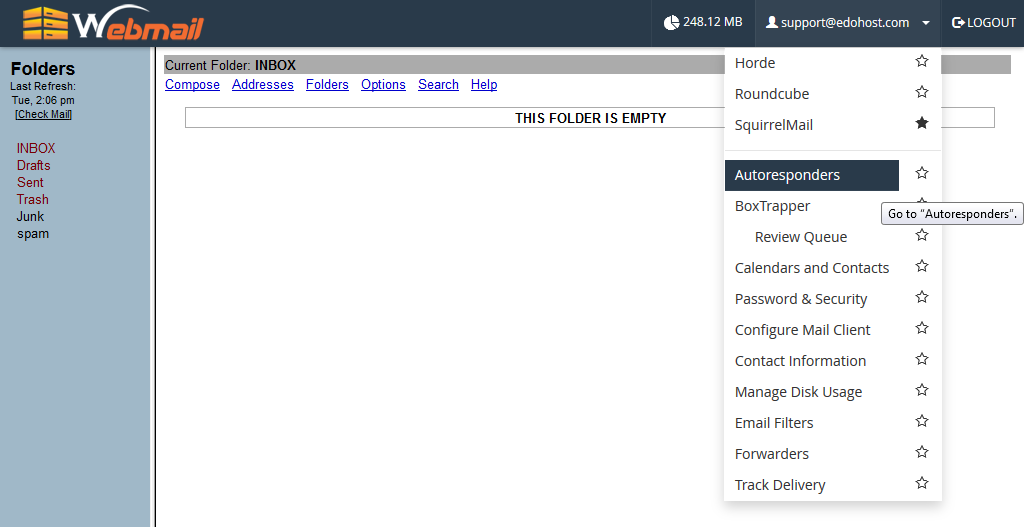
If you do not have administrative access to cPanel, you can setup the autoresponders from your Webmail > Email address on the top right > Autoresponders