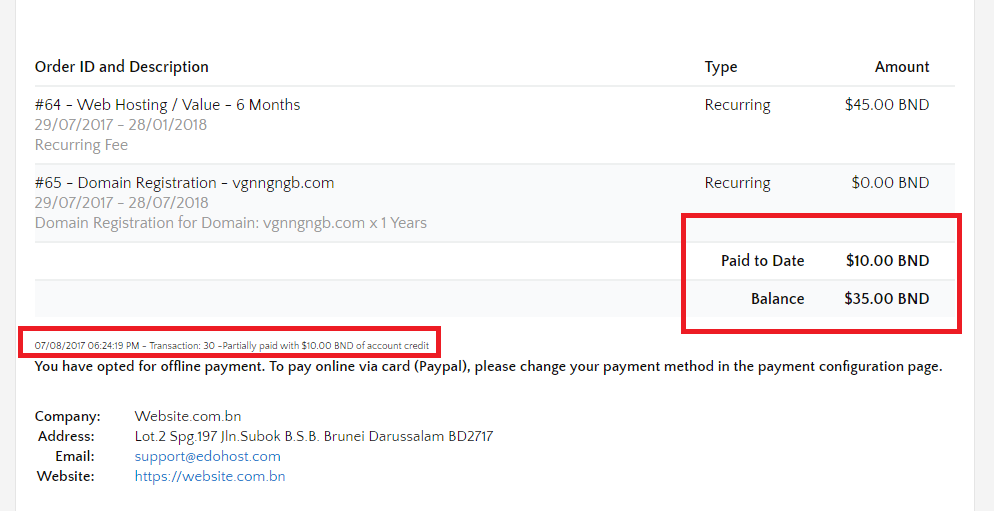
If you have credit balance on your account, you can apply it to your outstanding invoice.
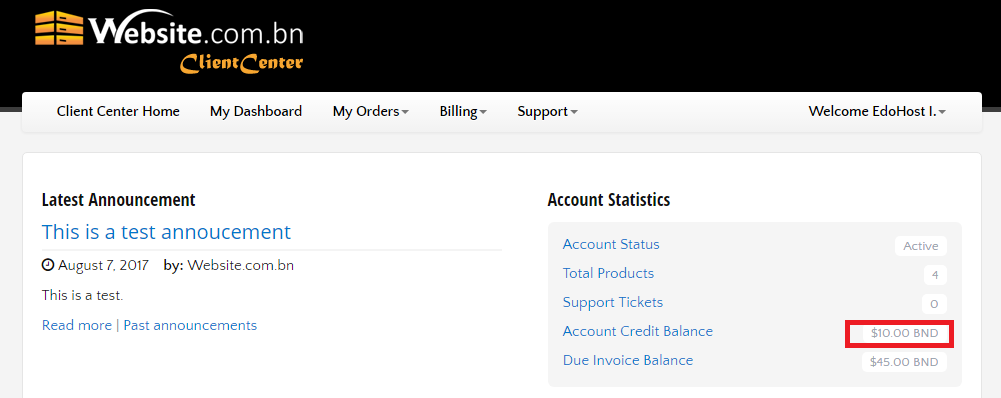
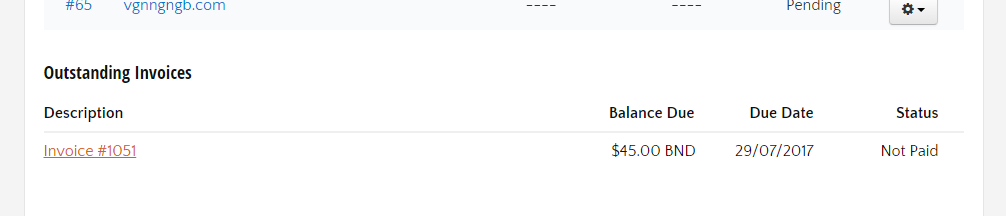
To do so, login your Client Center. Scroll down and click on any outstanding invoice you would like to apply the credit on.
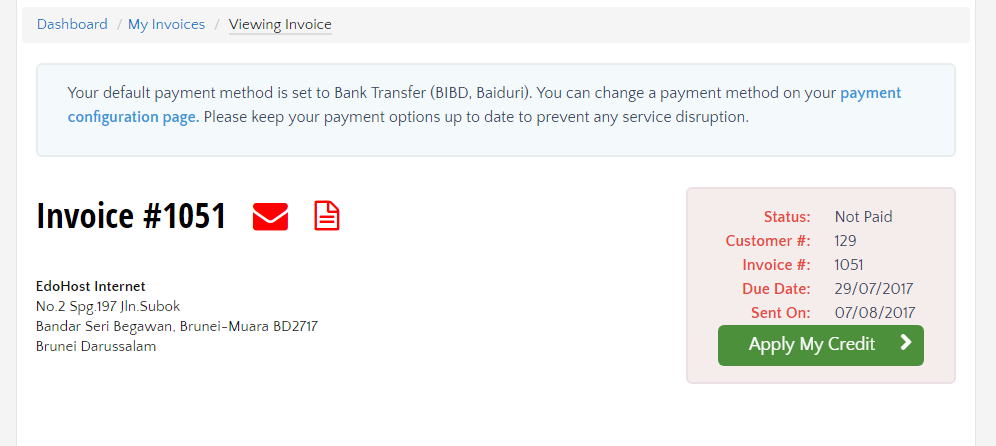
This will lead you to the invoice page where you can see the green
Apply My Credit > button. This button will appear
only if you have credit balance on your account.
Click on it to deduct your credit against the total outstanding. The remaining balance and the transaction details will be shown on the invoice.