In this article we will assume that you already have a database file, either a .sql, zip, or tar.gz file, waiting to be imported. You should also have already created a database that you are importing into as well. To do so:
1. Log into cPanel, under the headingDatabases, click on phpMyAdmin.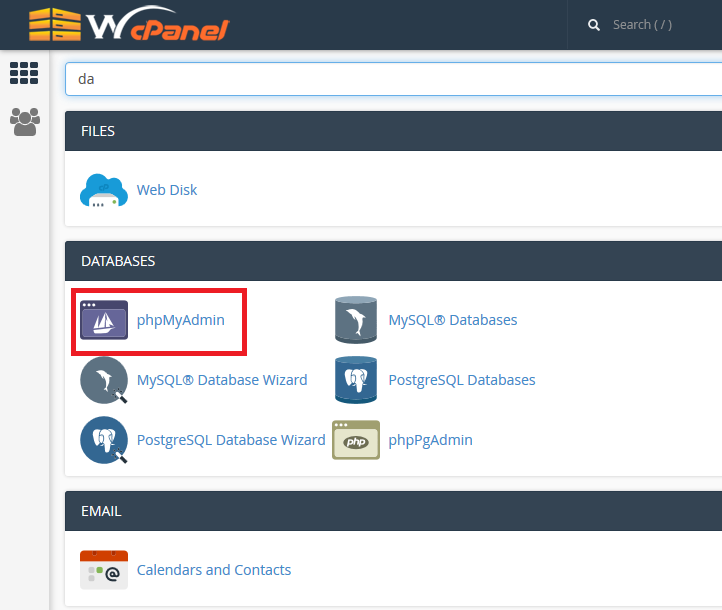
3. Click Import in the top menu
4. Under File to Import, click Browse and select the backup file you previously created (it will be either a .sql .zip or .tar.gz file).
5. Click Go at the bottom right

6. When the database has been imported successfully, you should see a message at the top of the page similar to: Import has been successfully finished, ## queries executed.
Congratulations, you have just imported a database!