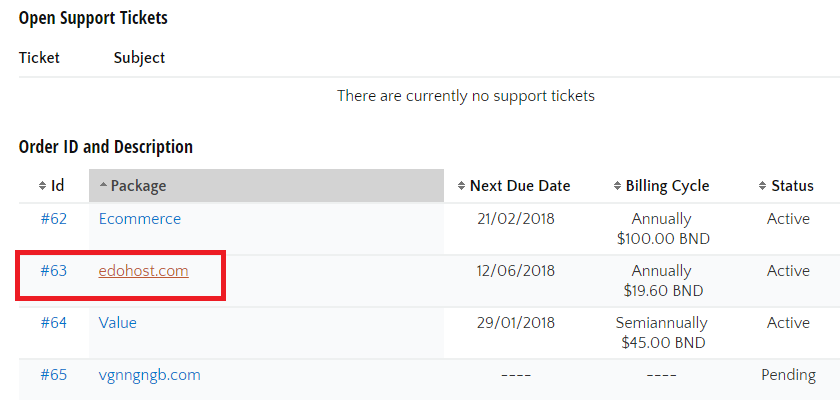
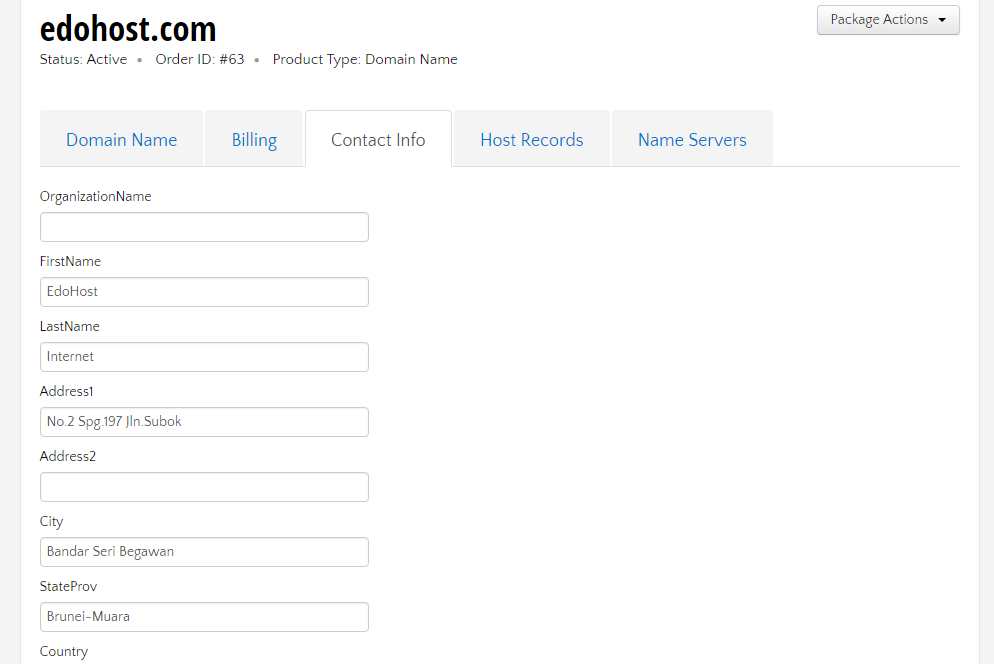
You can change it in your Client Center. Login your Client Center, under the heading Order ID and Description, click on the domain name you would like to change.
You can change it in your Client Center. Login your Client Center, under the heading Order ID and Description, click on the domain name you would like to change.