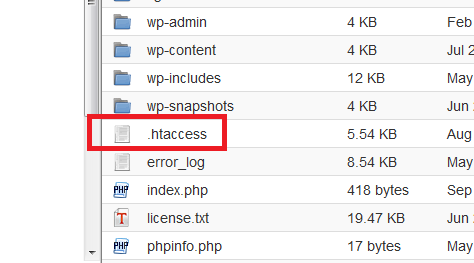
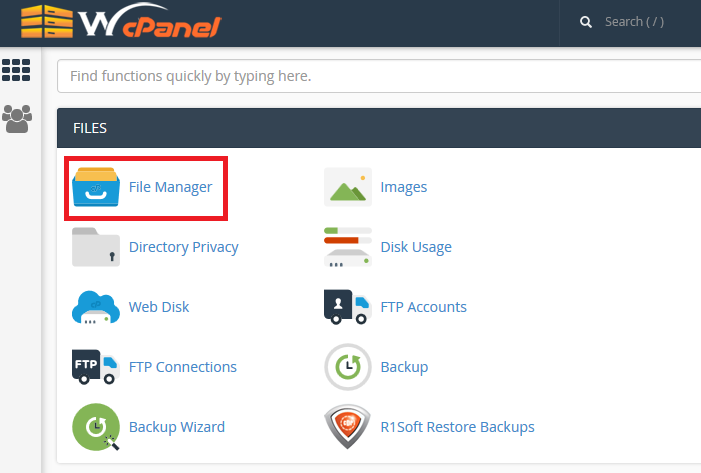
You can
find the .htaccess file on your cPanel File Manager.
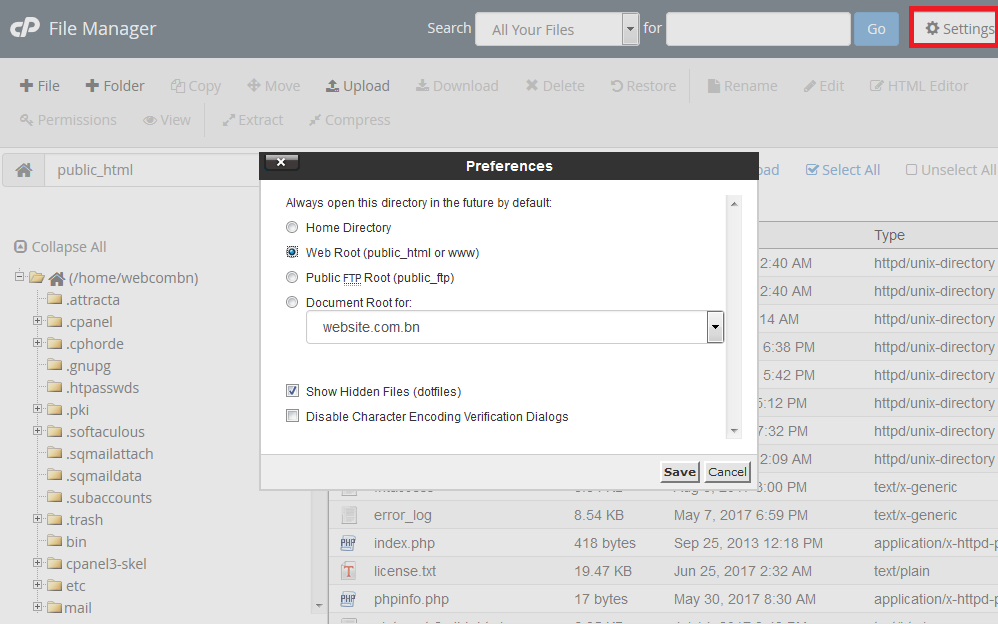
The .htaccess file should appear. If for some reason it doesn't exist you may need to create a new one. Note that there is a dot at the beginning of the file name.
You can
find the .htaccess file on your cPanel File Manager.
The .htaccess file should appear. If for some reason it doesn't exist you may need to create a new one. Note that there is a dot at the beginning of the file name.